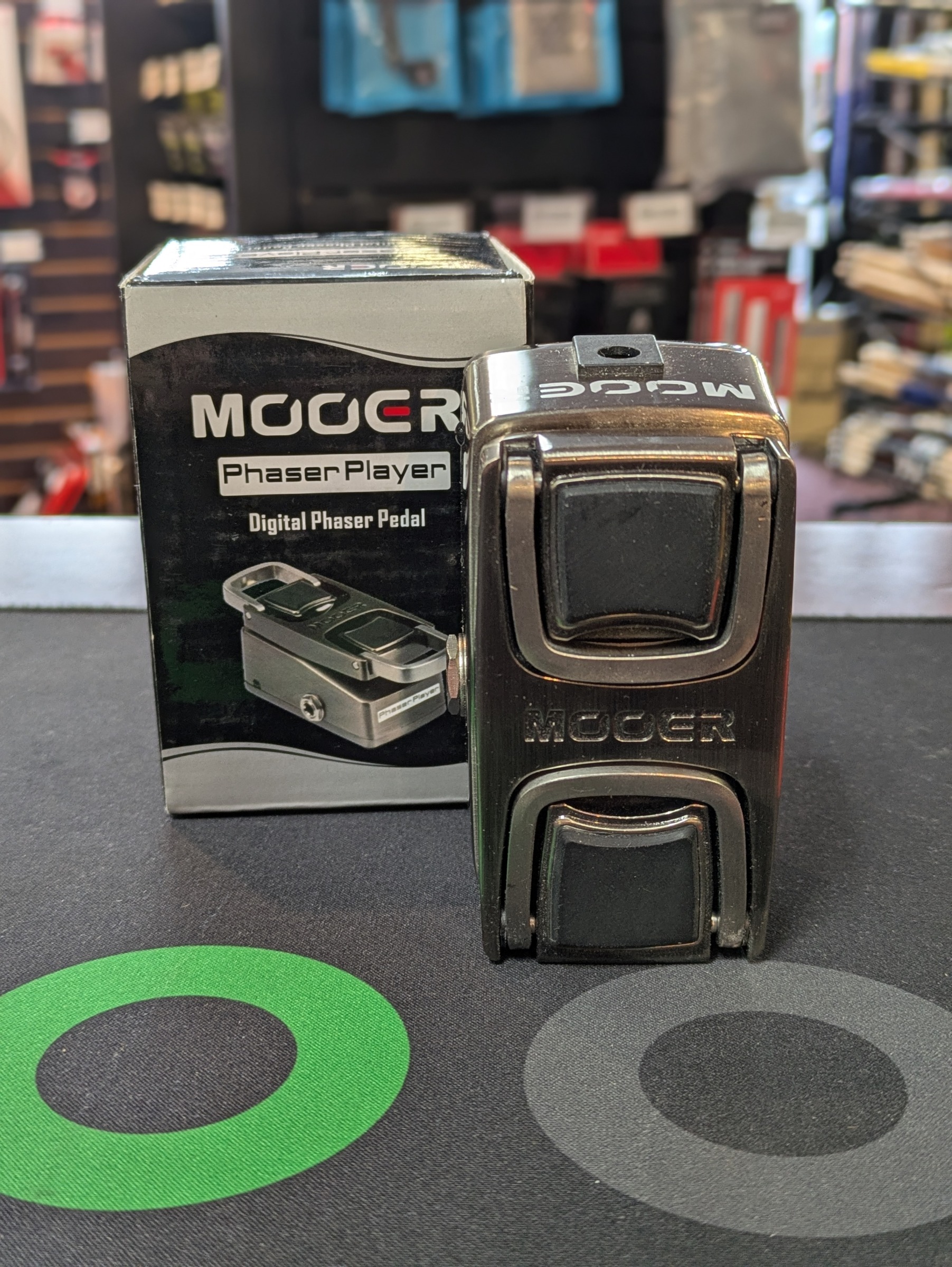
(USED) Mooer Phaser Player Digital Phaser Pedal

|

|

|
(USED) Mooer Phaser Player
The Phaser Player packs three distinct phaser voices into Mooer’s compact expression-pedal housing, so you control the sweep speed with your foot in real time instead of turning a knob. Mooer’s pressure-sensing footswitch pads let you turn the effect on and off with a touch or a double-tap, and switching between the three phaser modes is done with a simple power-cycle sequence rather than extra buttons.
Because it’s a used pedal, it’s a low-cost way to add expressive phaser control to a pedalboard without paying full price for a new one. The micro footprint means it takes up little real estate, which suits players who are tight on board space or want a phaser that responds dynamically during a performance rather than sitting at a fixed rate. Questions about this specific unit? Call or text Spotts Music Center at 814-371-5666.
Key Features
Expression Pedal Speed Control
Rock the treadle with your foot to sweep the phaser rate live, instead of setting a fixed speed on a knob.
Three Phaser Tones
Choose from three distinct phaser voicings to match different playing styles and songs.
Pressure-Sensing Footswitch
Touch the sensing pads to engage the effect, release to bypass, or double-tap to latch it on.
Micro Pedalboard Footprint
A compact expression-pedal build that leaves more room on a crowded board for other effects.
Multiple Switching Modes
Choose momentary touch, tap-to-latch, or a combination of both to fit how you play live.
LED Mode Confirmation
The onboard LED flashes to confirm which of the three phaser modes is currently selected.
How to Change the Phaser Mode
- With the pedal connected to power, press and hold the toe pressure-sensing pad.
- While still holding the pad, disconnect the power.
- Reconnect the power while continuing to hold the pad.
- Watch the LED: one flash confirms Mode 1, two flashes confirms Mode 2, and three flashes confirms Mode 3. Release the pad once you see the mode you want.
Care Tip: Because the footswitch relies on pressure-sensing pads rather than a mechanical click, keep the pedal's surface clean and dry — grime or moisture buildup on the pads can make the touch and double-tap functions less reliable over time.